Getting started
Yaru WoR Optimizer finds the best gear from what you already own. You need an account on the site and Yaru WoR Extractor on the PC where the game runs. To see how it all works, you can skip both and try the demo accounts.
1.Try the demo
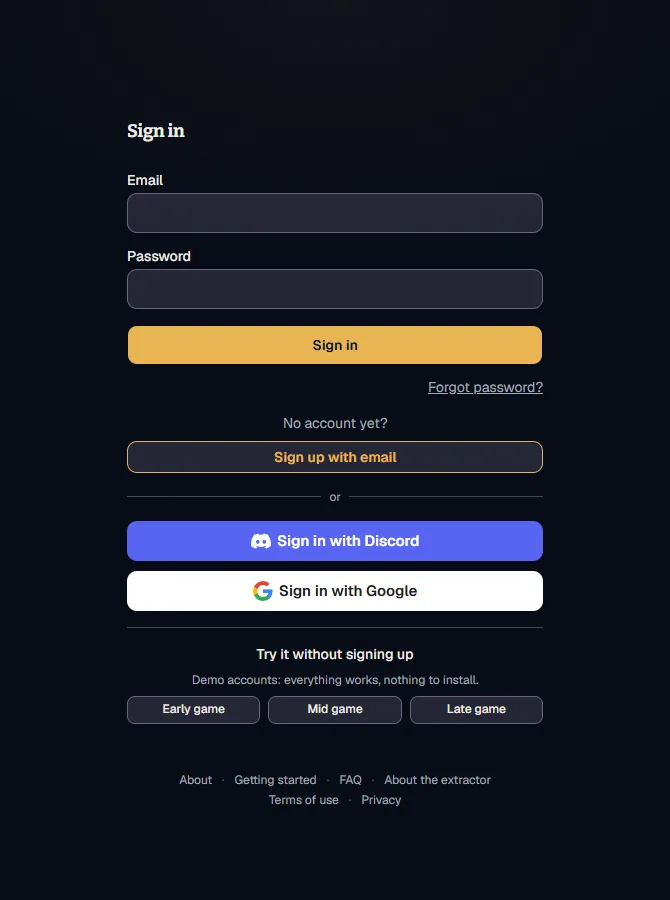
On the sign-in page, use “Try it without signing up”: three ready-made accounts for early, mid and late game. Everything works; nothing is saved.
2.Sign up
Use an email and password, or sign in with Google or Discord.
3.Download the extractor
Go to “Extractor” and download it. The extractor only reads data from the running game: it changes nothing in it and installs nothing. If Windows or your antivirus blocks it, the same page explains what to do.
If Windows or your antivirus gets in the way4.Connect it to your account
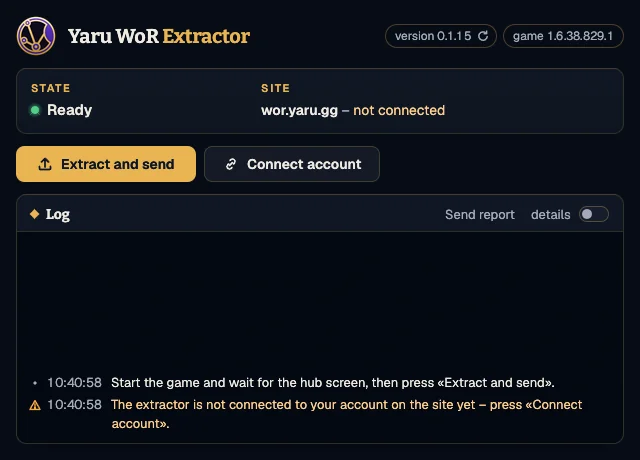
Run the extractor and click “Connect account”. The site opens; click “Connect”. You only do this once.
5.Upload your account
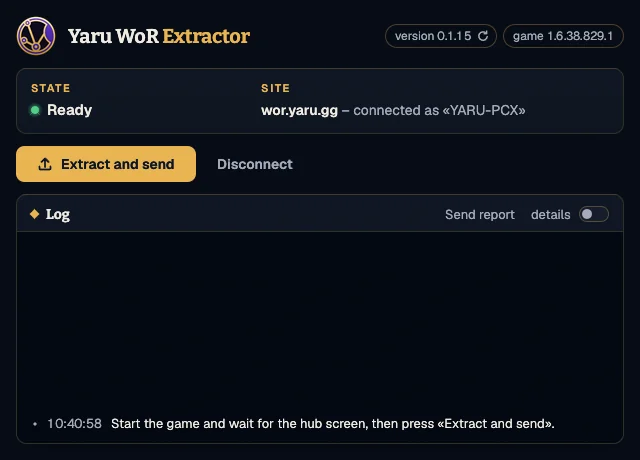
Start the game, wait for the hub screen and click “Extract and send” in the extractor. Your heroes show up on the site in a few seconds. Changed gear or got new items? Send again.
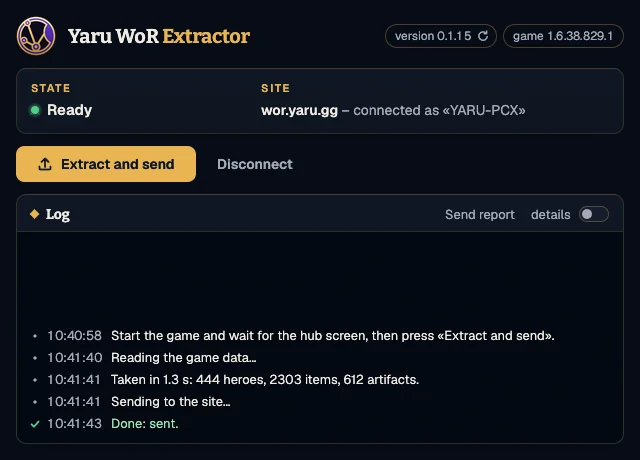
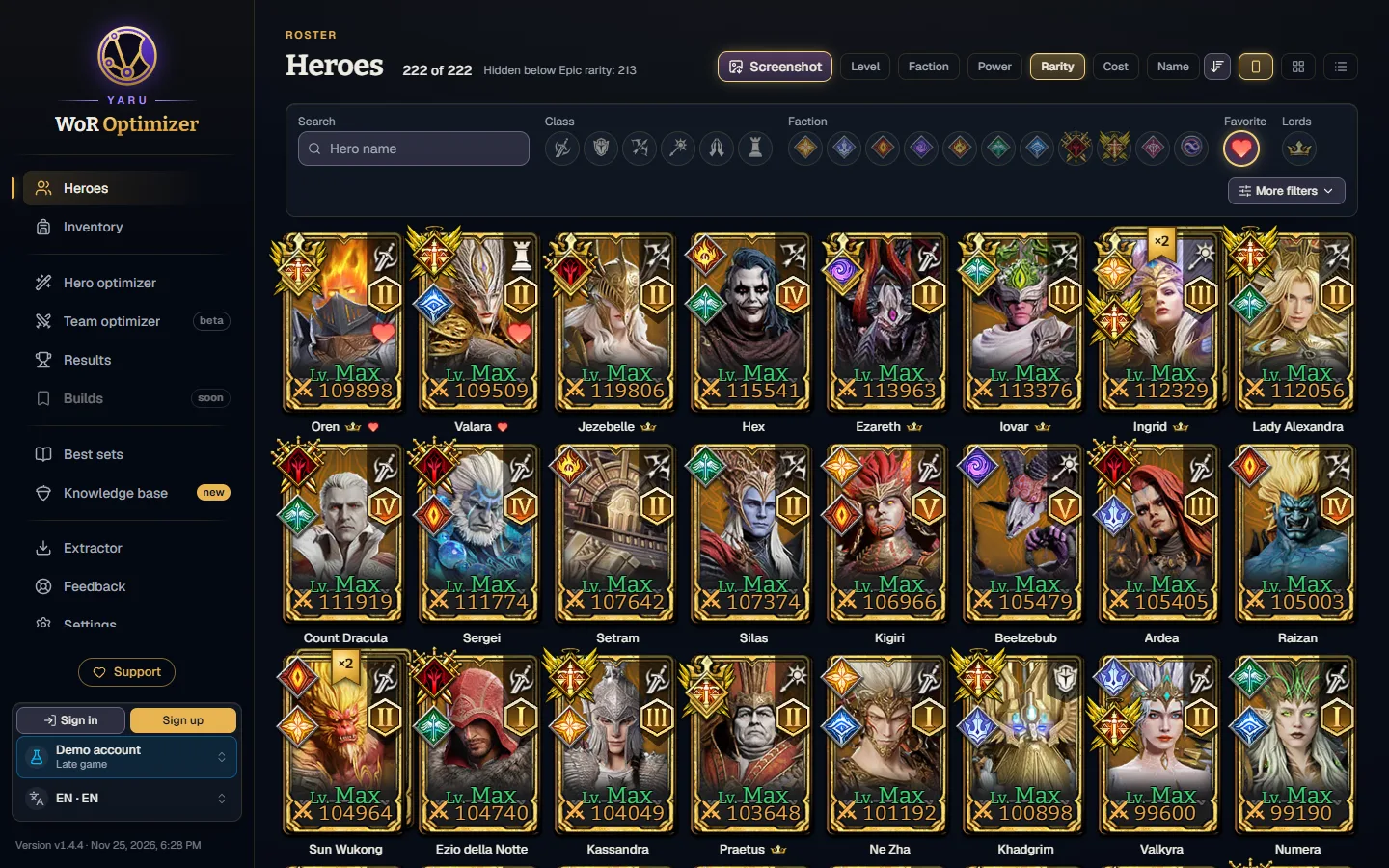
6.Check your heroes
“Heroes” shows your whole roster with power. A hero’s page has their gear, stats and attack tempo.
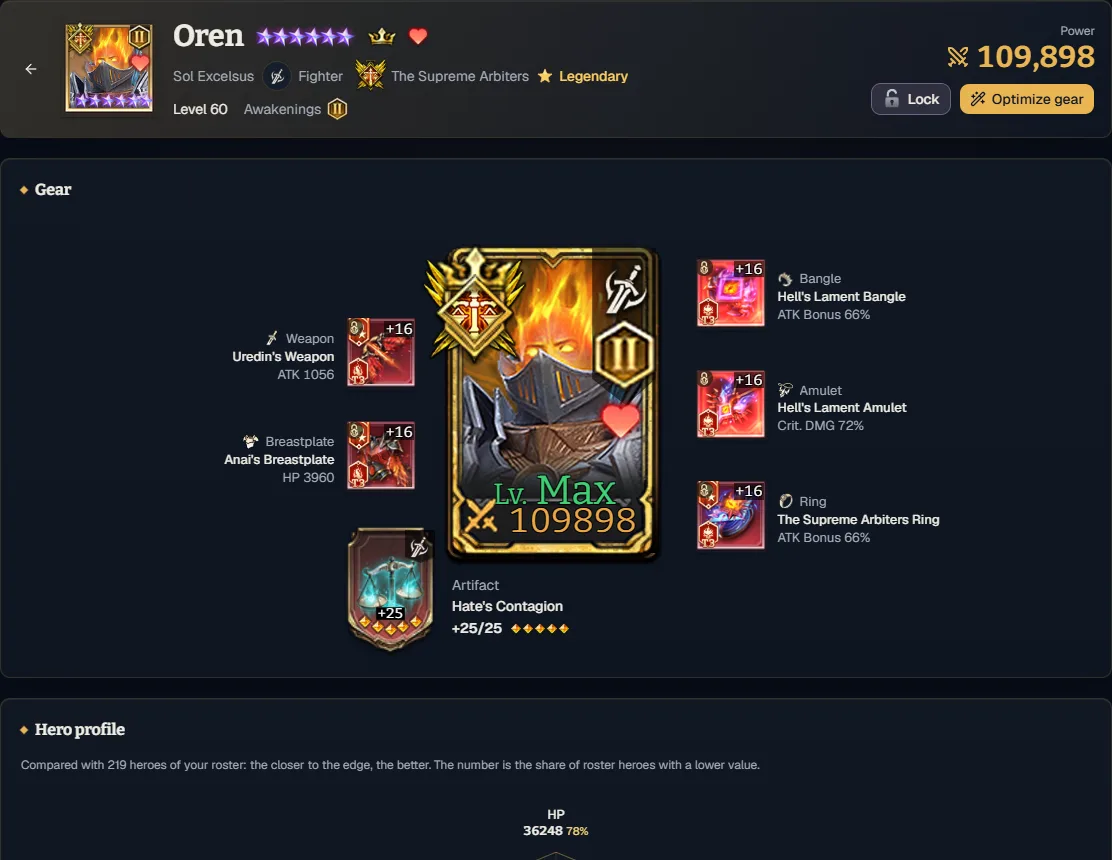
7.Optimize gear
On a hero’s page, click “Optimize gear”. The wizard asks where to take items from, what matters most and which limits you need.
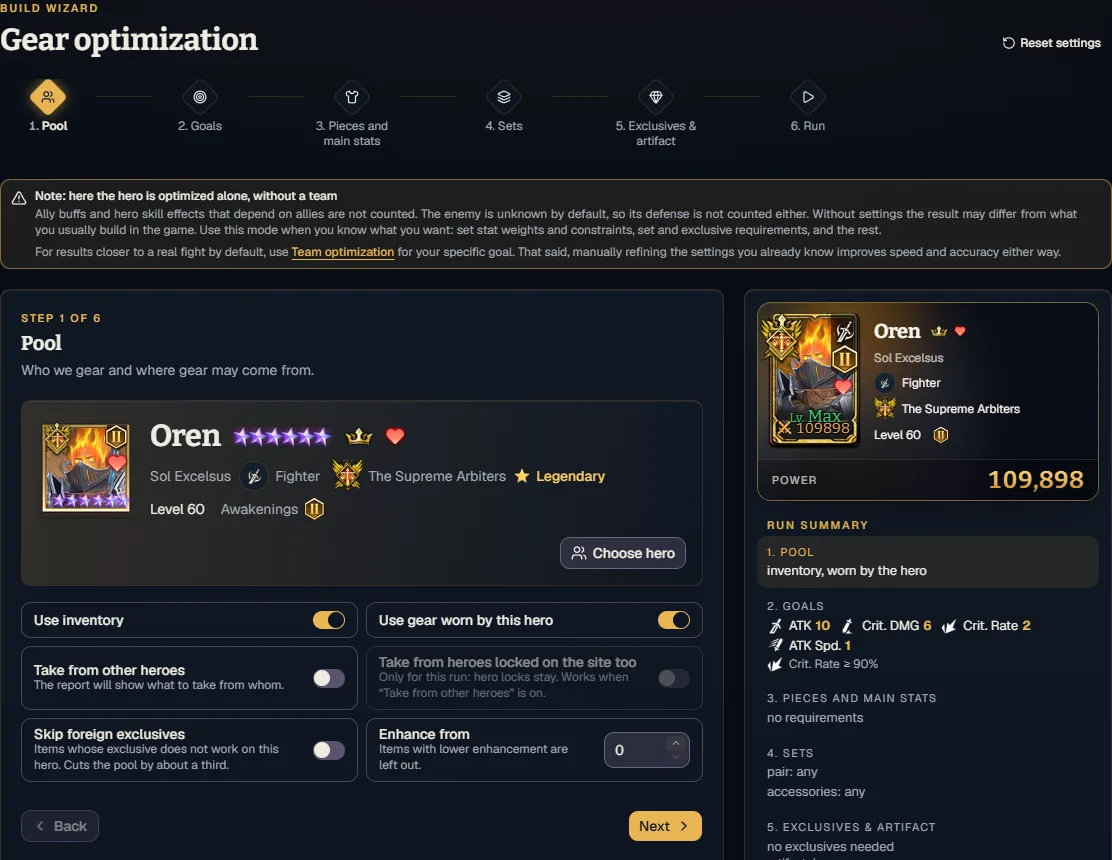
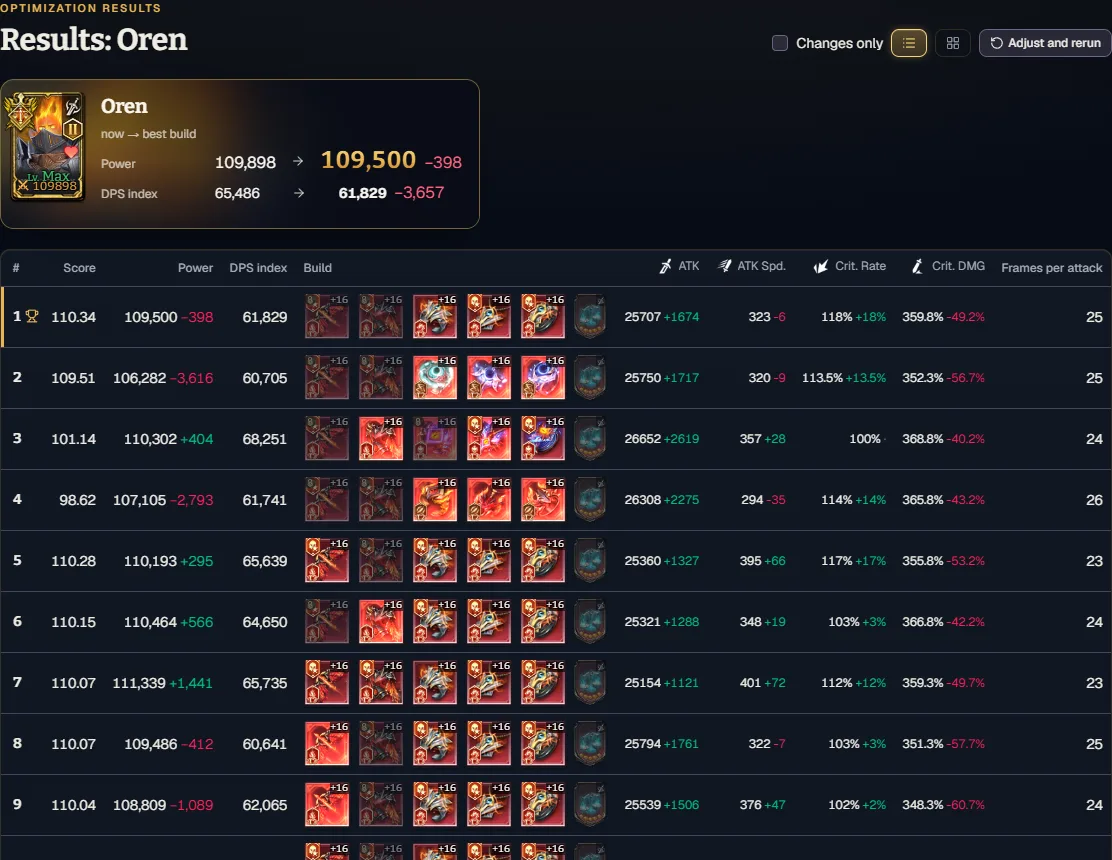
8.Review the result
You get the best builds and how the stats change, plus what comes from your inventory and what to take off other heroes.
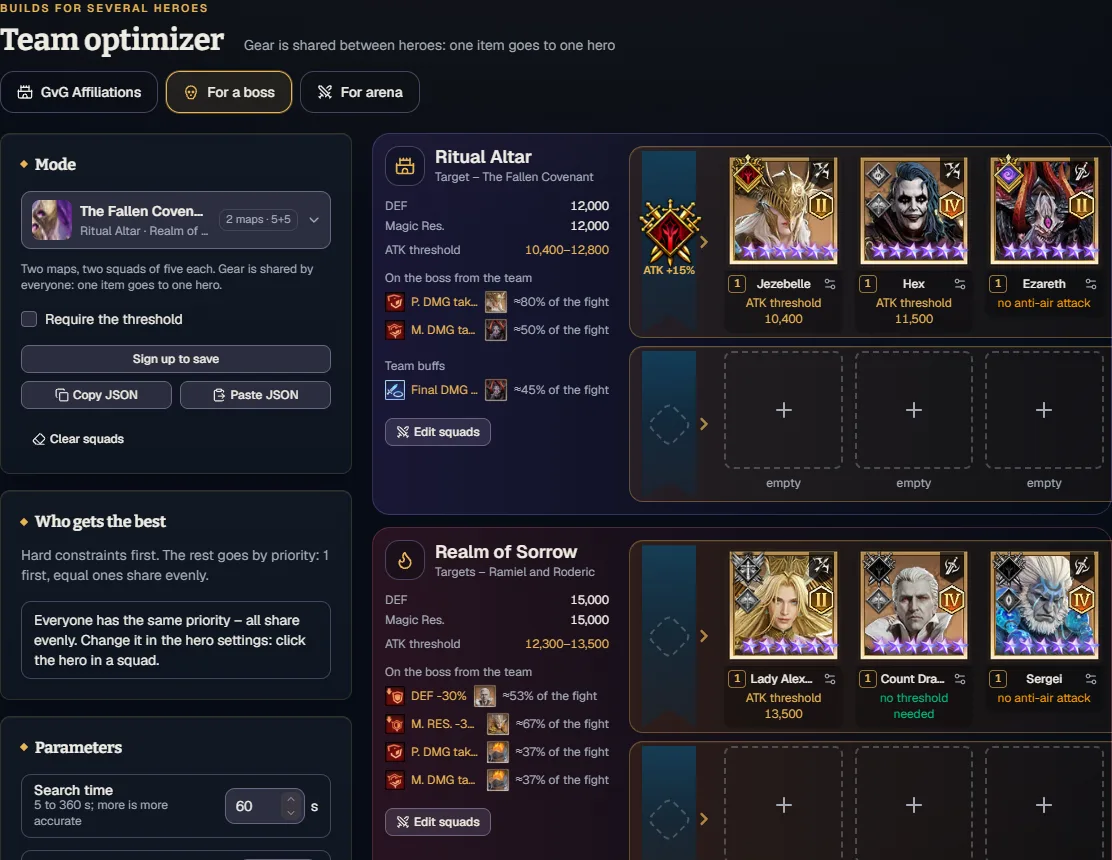
9.Build a team
“Team optimizer” has “For a boss” and “For arena”: gear for the whole squad at once, with damage to the target including defense cuts and vulnerabilities.
Questions or found a bug? Write to Feedback once you’re signed in.